
In my previous post, I showed how you can use the OpenAI GPT API as a command interface. In this post, I will show how to fine-tune the model and train the robot a new tricks, and if you are initerested only in code here it is.
In the previous episode…
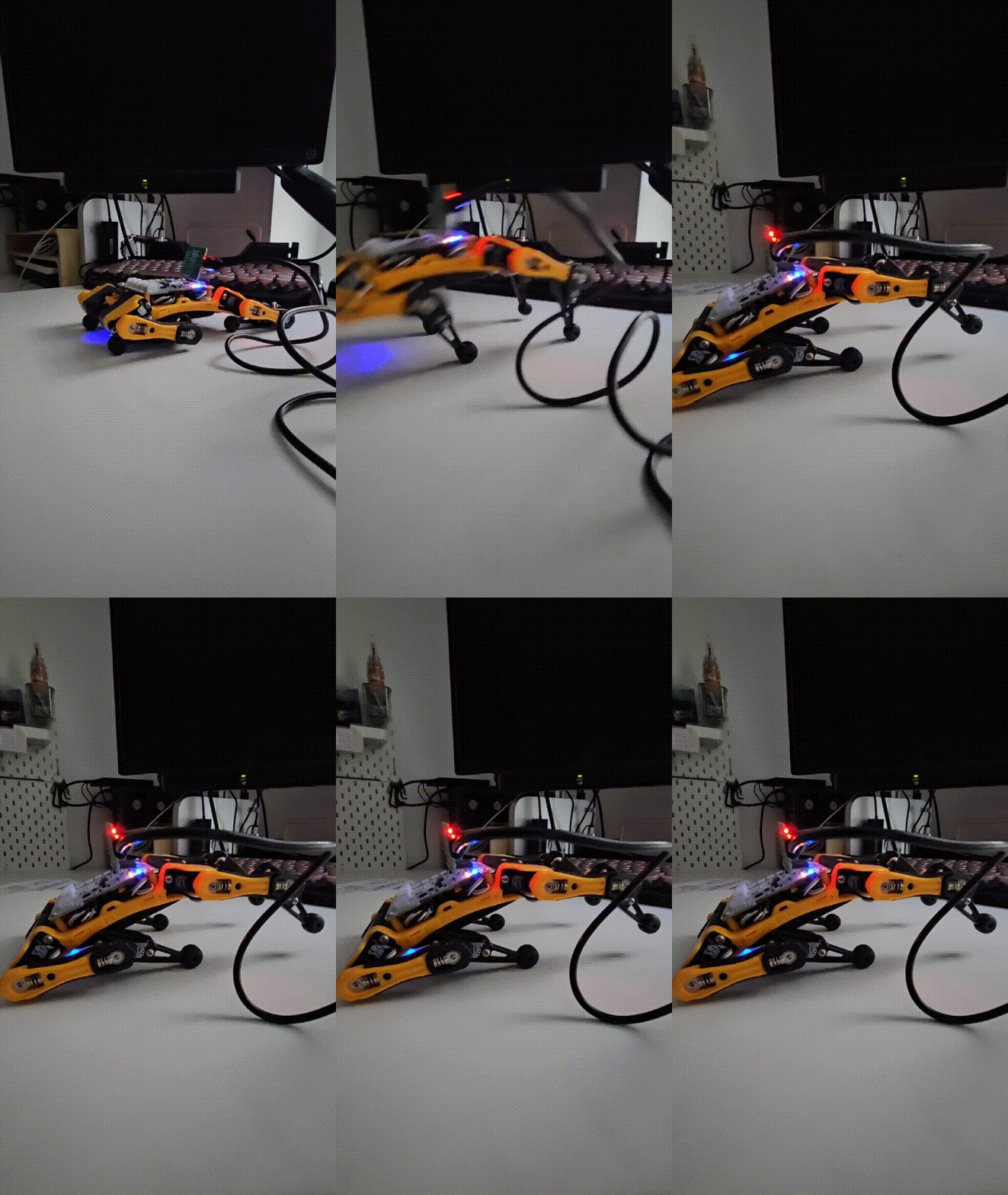
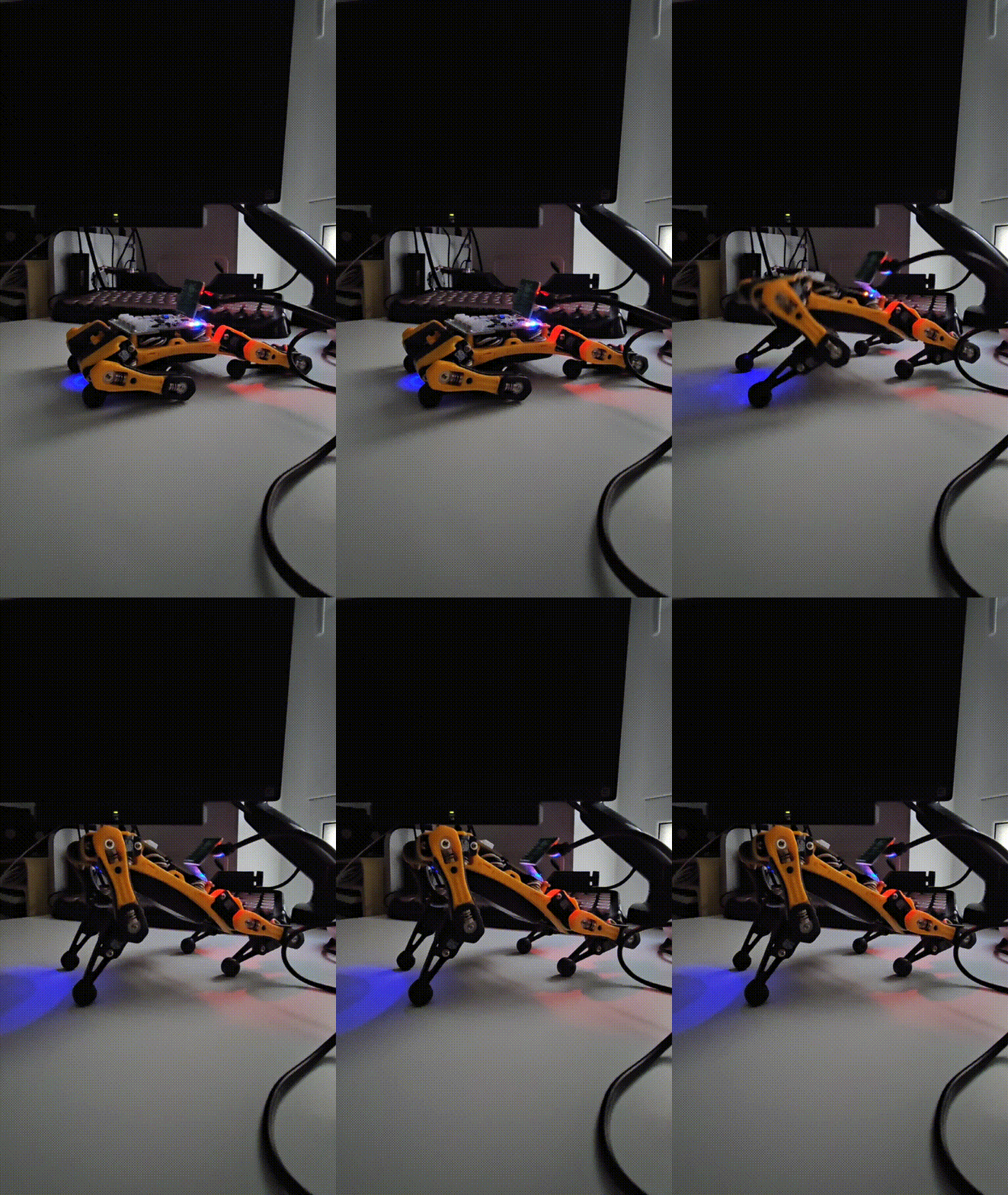
In my previous post, I demonstrated how to use the OpenAI GPT API as a command interface for controlling a robotic dog. In my post, I explained that even though the API was reliable, it could not handle simple commands like “sit” (despite specifying it in the example). The model could not create robot poses that matched the robot’s kinematic model. So let’s see what results can be achieved by tuning base model with specific dataset. Here, I’ll show what I did and chat a bit about why I picked the settings I did.
What’s the plan?
Fine-tuning is basically about updating all the base model’s parameters so it can do a specific job better. A model that already knows a lot about the world (like language rules, common facts, and human logic) learns the new task way quicker than one starting from scratch with random settings. However, the process is still really resource-hungry. Fine-tuning a model like Llama-1B (1B = 1 billion parameters) could take several days on several GPUs - resources that not every (me included) enthusiast has.
Luckily, LoRa (Low-Rank Adaptation of Large Language Model) helps a lot by cutting down the number of trainable parameters by up to 10,000 times. That basically means I can take a solid model and fine-tune it using just my humble one-GPU setup (a trusty GeForce RTX).
Implementing the plan.
Base model.
As a base model for my experiment, I took pretrained and instruction-tuned Llama-3.2-1B-Instruct.
Dataset.
I’m sticking with the format used by my “agentic” function. Let’s focus on commands like “Sit” and “Give a pow,” and add more examples so we have something that looks like a real dataset.
Since we’re training the model to handle function calls, we need the prompt to specify the name of the function it should call. We’ll organise everything in JSON format. And because we’re working with an agent, we’ll also include a system prompt. This system prompt gets combined with each user prompt.
Our dataset must follow the same structure used during the base model’s original training. There are a bunch of popular formats for this, like ChatML, Alpaca, and others. If you’re not sure which format your base model expects, checking the model’s card or sample datasets on Hugging Face is usually a safe bet.
So this is a function that convert my manually crafted prompt into format ready for training.
Choosing the Fine-Tuning Parameters
Let’s first look into LoRa. LoRa has quite a small set of parameters. As my dataset is very small and computational resources are quite humble I settled for the following setup:
- rank = 8 - Rank of the LoRA matrices; it limits overfitting risk while still letting the model adapt meaningfully, faster training.
- lora_alpha=16 — Scaling factor; Laraalpha=8 can also be considered as dataset is really small.
- lora_dropout=0.0; We want our model to really learn this set of commands, but some small noise like loradropout = 0.05 can be considered.
- bias=”none”; give best memory efficiency
- task_type=”CAUSAL_LM”, This tells the PEFT framework to apply LoRA to the right places in the model (typically the attention layers
And here is the set of parameters for SFTTrainer
- report_to = None; Disables logging to third-party platforms like Weights & Biases or TensorBoard;
- per_device_train_batch_size=2; small batch size for one GPU;
- gradient_accumulation_steps=4; but simulates a larger batch size (2 * 4 = 8 effective batch size). Helps stabilize training without requiring more VRAM;
- optim=”paged_adamw_32bit”; efficient 32-bit optimizer with memory savings;
- learning_rate=1e-3 and lr_scheduler_type=”constant”; Let model just learn the commands
- num_train_epochs=50; very aggressive but again we want model memmorise our small dataset
- fp16=True; Use half-precision (mixed precision). Saves GPU memory and speeds up training;
Result
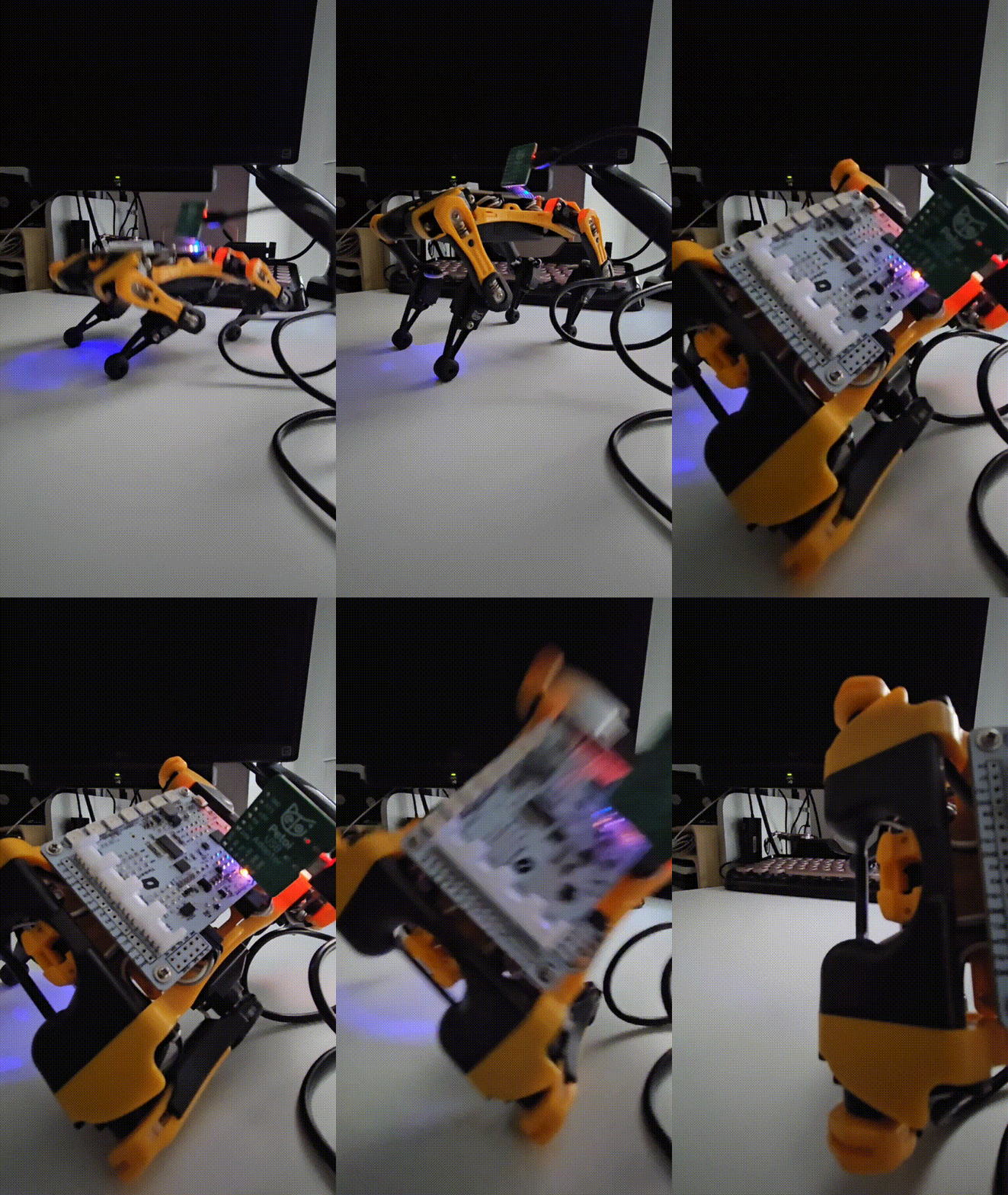
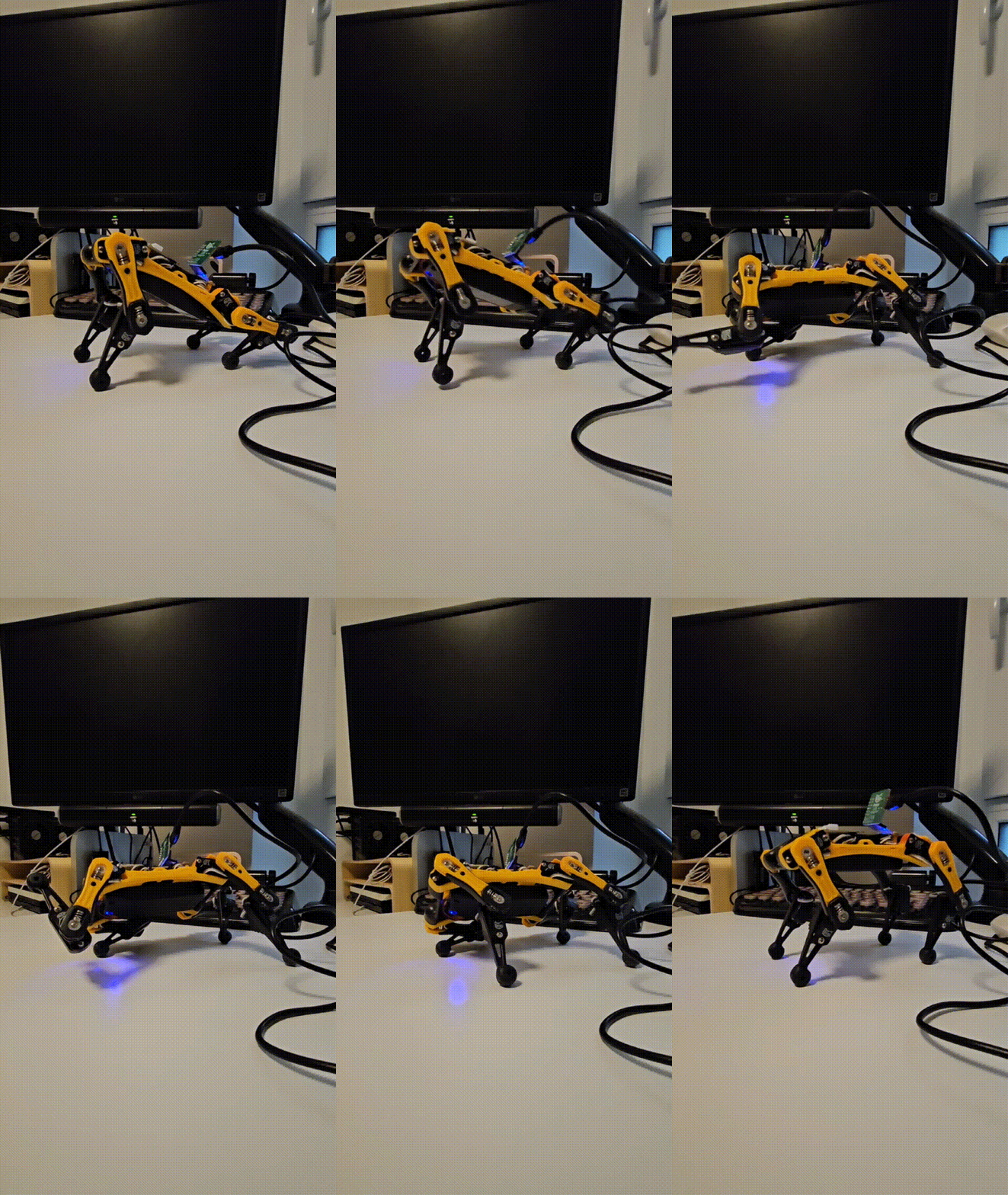
Now it’s time to actually use the model! I’ve put together a small script for that, which you can find here: use_Bitty.py. To get good results, the input prompt needs to be in the correct format and properly tokenized before feeding it to the model. If you’re curious, the part that handles formatting and tokenization is around line 97 in the same script.
| OpenAI GPT Api Promt> Sit! | Fine Tuned Model Promt> Sit! |
|---|---|
 |
 |
| OpenAI GPT Api Promt> Give a paw! | Fine Tuned Model Promt> Give a paw! |
|---|---|
 |
 |